Every app crops your profile photo a little differently. Some show it as a circle, some as a rounded square, and a few shrink it to the size of a fingernail next to a comment. This page collects the sizes that matter in one place, then explains the handful of rules that keep a photo from turning soft or losing the top of your head.
Each row lists a recommended size and a minimum, in pixels. Treat them as targets rather than hard limits, because platforms change their layouts from time to time. The values below come from the ProfilePhotoMaker profile picture size guide.
| App | Recommended | Minimum | Note |
|---|---|---|---|
| 1080 | 320 | Shown as a circle at roughly 110px on the profile | |
| 800 | 400 | ||
| Discord | 512 | 128 | Only about 40px wide in chat |
| 640 | 192 | ||
| TikTok | 720 | 200 | |
| YouTube | 800 | 98 | Can shrink to 24px in comments |
| Twitch | 512 | 256 | |
| X (Twitter) | 400 | 400 | |
| 720 | 180 | ||
| CV or resume | 600 | 300 |
If you only want one number, a square image of at least 400 pixels works almost everywhere, and 1024 stays sharp even on large screens.
Upload a square. Apps that want a circle will cut the corners off themselves. If you hand them a wide photo, they pick the crop for you and it is rarely the one you would choose.
Design for the circle. The corners are hidden, so anything important, like a hat brim or a shoulder, needs to sit well inside the edge. A head-and-shoulders crop with a little room above the hair is the safe default.
Go two or three times bigger than the minimum. Screens with high pixel density stretch small images, and a 128px file that looks fine in a preview can look soft on a phone. Exporting larger and letting the app scale down costs nothing.
Three causes account for most of it. The first is a small source image. A photo that started at 200 pixels cannot be rescued by enlarging it. The second is a wide photo where your face is small, which is then cropped tight and enlarged, so you are really using only a fraction of the original pixels. The third is saving and re-uploading the same file over and over, since each round of compression adds a little more damage.
The fix is usually boring: start from the original camera photo, crop closer to the face before you upload, and keep a clean copy so you never have to edit an already-edited file.
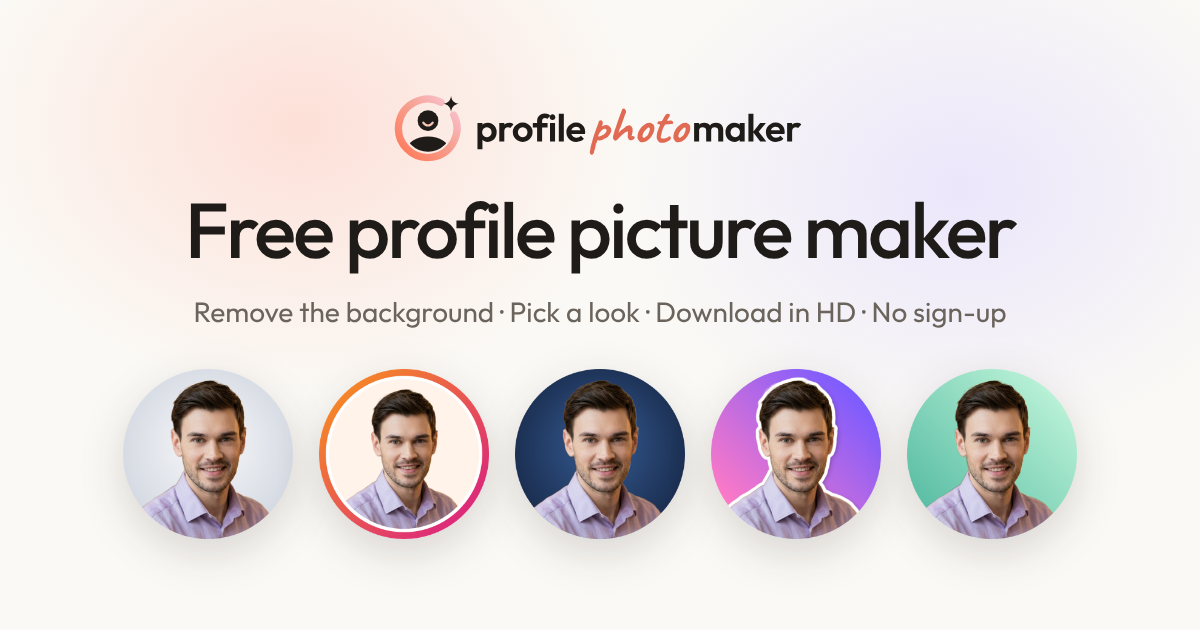
If you do not have a ready square photo, ProfilePhotoMaker is a free profile picture maker that runs in the browser. You upload a JPG, PNG, WebP or HEIC photo, and the background is removed on your device, with the face centred automatically. You can then pick a look such as Studio, Story ring, Navy pro, Sticker, Mint, Mono or Pop, choose a circle, rounded or square shape, and download in HD as PNG, JPEG or WebP. There is no account and no watermark, and the photo stays on your device.
It also has a page for each app, so the size is already set: LinkedIn profile picture maker, Instagram, Discord PFP maker, WhatsApp DP maker, TikTok, YouTube, Twitch, X, Facebook and a CV and resume photo maker.
One honest limit: the background removal is tuned for photos of people, so it may not cut out pets or logos cleanly.